Description
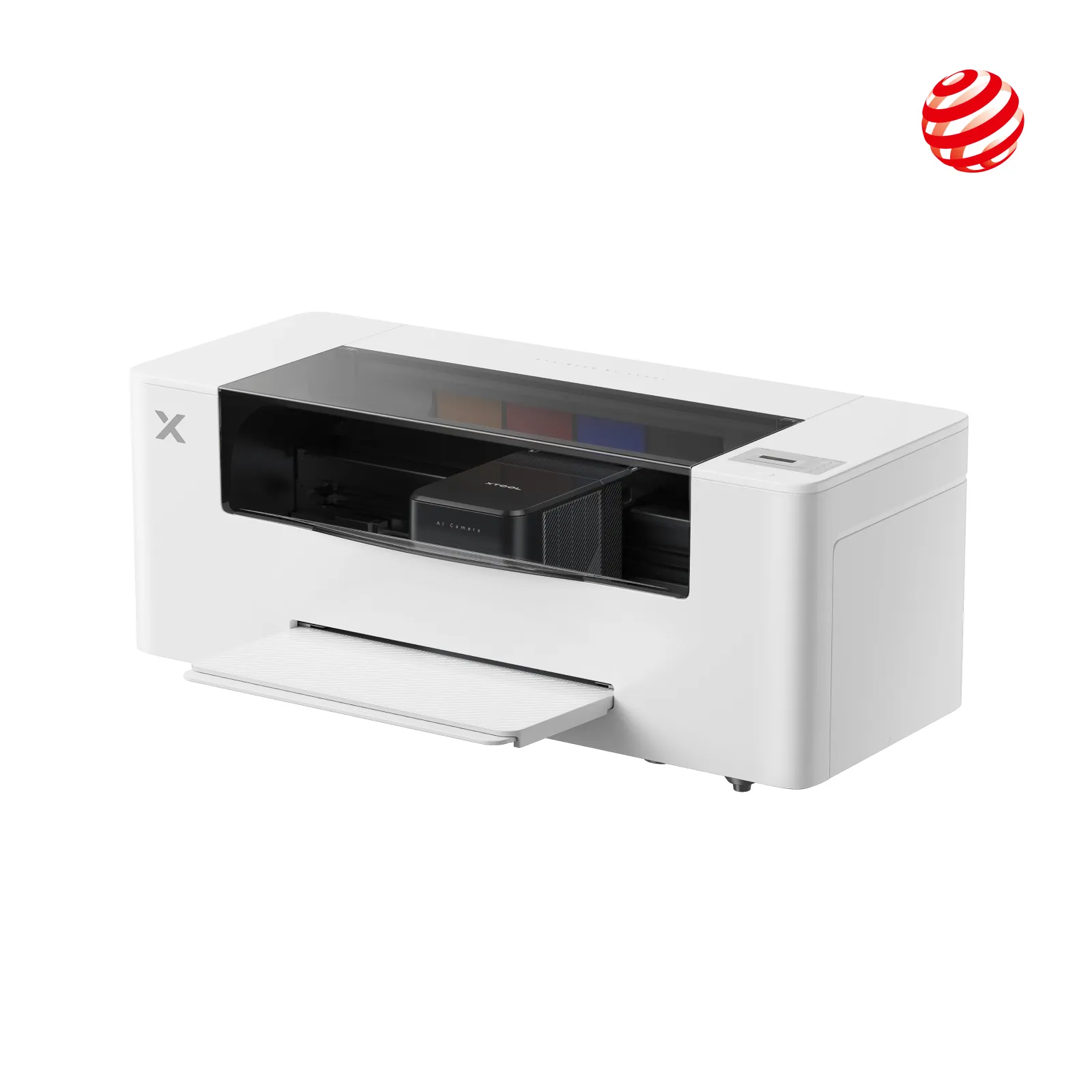
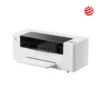
xTool Apparel Printer – DTF Printer for Custom T-Shirts, Hoodies, Bags & Fabric Printing
📌 Full Product Description
The xTool Apparel Printer is a professional Direct-to-Film (DTF) printing system designed for high-quality custom apparel and fabric printing. Unlike traditional heat-transfer printers, a DTF printer prints your design directly onto a special film, applies adhesive powder, and then transfers it onto fabric (with a heat press) — giving vibrant, durable, and washable prints.
It’s ideal for apparel businesses, print-on-demand shops, merchandise creators, designers, and anyone who wants rapid production with professional print quality. The machine supports printing on all types of fabrics — cotton, polyester, blends, denim, canvas, nylon, spandex, and more — including light and dark colours.
🧵 Key Features
🖨️ Professional DTF Printing Technology
-
Uses DTF (Direct-to-Film) for sharp, high-resolution prints with vibrant colours.
-
Compatible with a wide range of fabric types and colours.
🌈 Commercial-Grade Printheads
-
Features Epson-based or equivalent dual printhead setup for high accuracy and smooth gradients.
-
G7 colour calibration support for consistent results.
🔄 Auto Ink Management
-
Built-in white ink circulation and automatic head cleaning system reduce clogging and maintenance.
-
Ensures long-term reliability even when printing white ink layers.
📐 Large Printable Area
-
Print width typically around A3 / 14″ (≈356 mm).
-
Supports prints up to approx 356 × 460 mm (varies by model configuration).
🛠️ Easy Operation
-
Supports file formats like PNG, JPG, JPEG, BMP, SVG.
-
Works with user-friendly design software compatible with Windows and macOS.
-
Includes print preview & layout utilities for precise setup.
🔥 Integrated Workflow (with optional accessories)
-
When paired with a shaker oven (for powder & curing), it forms a complete DTF production line:
-
Printer → Powdering → Baking → Heat-Press Transfer
-
⚡ Strong Build & Productivity
-
Built for continuous printing — suitable for small to medium production.
-
Automatic maintenance routines improve uptime.
📊 Technical Specifications
| Specification | Details |
|---|---|
| Printing Technology | Direct-to-Film (DTF) |
| Print Width | Approx 356 mm (14″) |
| Max Print Size | Approx 356 × 460 mm (varies by model) |
| Print Resolution | Up to 720 × 1800 DPI (high-quality output) |
| Print Heads | Dual commercial-grade heads |
| Ink System | CMYK + White (with white ink circulation) |
| Ink Type | Textile pigment/DTF inks |
| Connectivity | USB & Wi-Fi support |
| Supported Formats | PNG, JPG, JPEG, BMP, SVG, etc. |
| Power Supply | AC 220–240 V |
| Operating Systems | Windows & macOS |
| Maintenance | Auto head cleaning & white ink circulation |
| Software Compatibility | xTool Creative Space / Compatible print workflow software |
| Print Modes | Standard, High-Detail, Speed, etc. |
| Stand / Frame (Optional) | Adjustable printer stand/basket |
🧰 Workflow Explained (Step-by-Step)
-
Design Setup
-
Create or import artwork using graphic software (AI, PSD, PNG, SVG).
-
-
Printing to Film
-
Printer lays down CMYK + white ink on special DTF film.
-
White ink gives opacity for printing on dark fabrics.
-
-
Powder Application
-
Sprinkle adhesive powder onto freshly printed film.
-
Excess powder shaken off.
-
-
Curing (Bake)
-
Use a shaker oven / dryer to heat and cure adhesive powder onto film, creating a transferable sheet.
-
-
Heat Press Transfer
-
Place film onto fabric.
-
Use a heat press to transfer print permanently.
-
-
Finished Product
-
Durable, vibrant print with excellent washability and soft hand feel.
-
🧵 Supported Materials
| Fabric Type | Suitable? |
|---|---|
| Cotton | ✔️ |
| Polyester | ✔️ |
| Cotton–Poly Blends | ✔️ |
| Canvas & Bags | ✔️ |
| Denim | ✔️ |
| Nylon & Spandex | ✔️ |
| Leather | ❗ (Test first) |
Reviews
There are no reviews yet.